Self-hosting shouldn't be the hard part
"Self-hosted" usually means "budget an afternoon." You find a server, install Docker, write a Compose file, generate secrets, put a reverse proxy in front, get a certificate, and then work out how updates will happen. Plenty of teams that want their code reviews to stay on their own infrastructure stop at step two.
CodeOtter now ships one-click deploys. You click a button for Azure, Render or Railway, or paste one command into any Linux box, and a few minutes later your own CodeOtter instance is running and ready for onboarding.
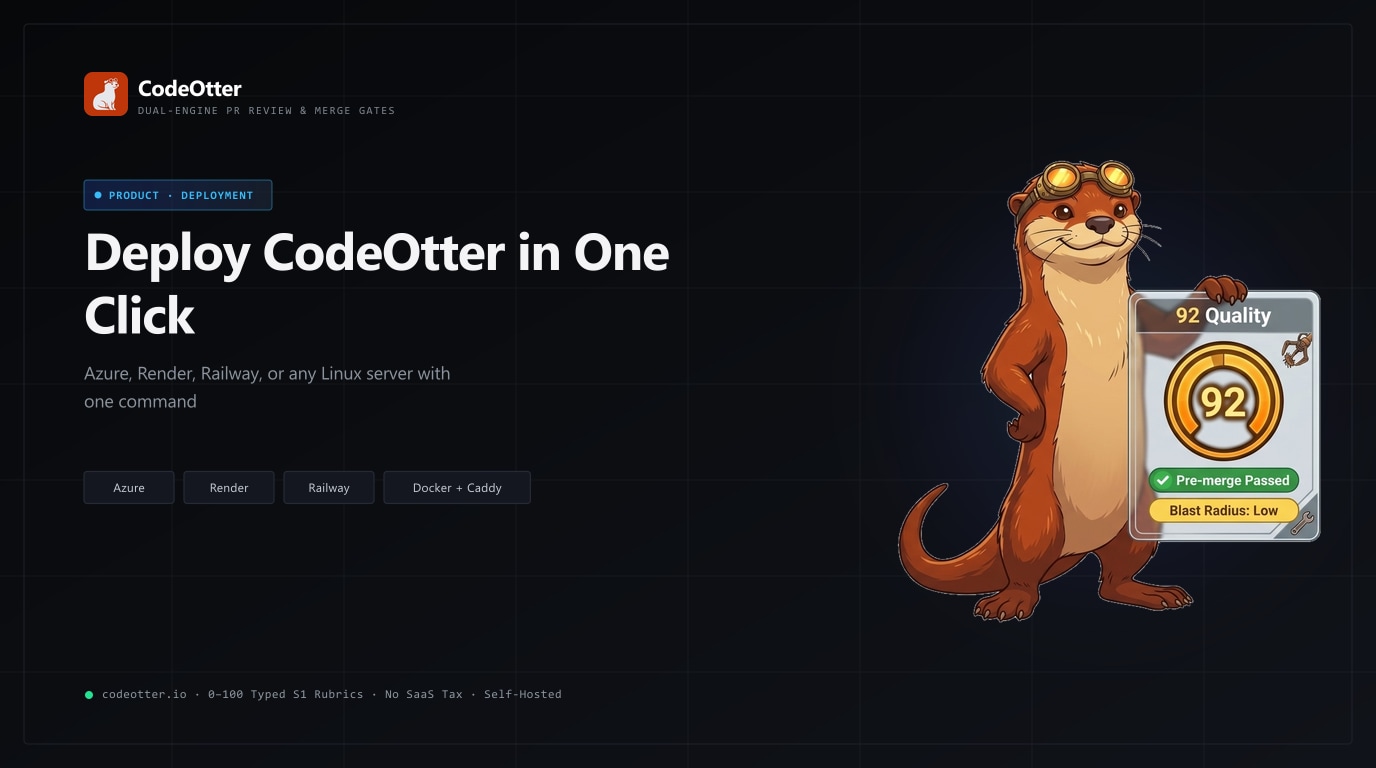
The buttons are at the top of the CodeOtter README:
Option 1: Any Linux server, one command
If you already have a VPS, a spare box in the rack or a cloud VM, this is the most flexible path:
curl -fsSL https://raw.githubusercontent.com/dharmeshgurnani/CodeOtter/main/bin/install.sh | sudo bash
Add a domain to get HTTPS. Point the domain's DNS A record at the server first:
curl -fsSL https://raw.githubusercontent.com/dharmeshgurnani/CodeOtter/main/bin/install.sh \
  | sudo CODEOTTER_DOMAIN=review.example.com bash
The installer:
- Installs Docker if the server doesn't have it, and enables the service.
- Fetches the Compose files into
/opt/codeotter(change it withCODEOTTER_DIR). - Writes a
.envwith a generated PocketBase admin password and your publicAPP_URL. AnyGH_TOKEN,LLM_API_KEY,LLM_MODEL,ANTHROPIC_API_KEYorOPENAI_API_KEYyou pass in is copied there too. - Adds Caddy in front of CodeOtter when
CODEOTTER_DOMAINis set. Caddy gets a Let's Encrypt certificate automatically, and CodeOtter's own ports are bound to127.0.0.1so the only way in is HTTPS. - Starts Watchtower, which checks for a new CodeOtter release every hour and updates the container.
The installer is safe to run again. A re-run keeps your .env and its password, refreshes the Compose files and restarts the stack. Logs are one command away: cd /opt/codeotter && docker compose logs -f codeotter.
On Akamai / Linode? The repository includes a StackScript at bin/deploy/linode-stackscript.sh. If you leave the domain blank, it uses the Linode's own <ip>.ip.linodeusercontent.com hostname, which is enough for a Let's Encrypt certificate, so you get HTTPS without touching DNS.
Option 2: Deploy to Azure
The Azure button opens an ARM template (bin/deploy/azure.json) in the Azure portal. Choose a resource group and region, then paste your SSH public key. It creates:
- An Ubuntu 24.04 VM,
Standard_B2msby default (2 vCPU, 8 GB RAM), with a 64 GB SSD. - A static public IP with a DNS label, so the instance gets an address like
https://codeotter-xxxx.<region>.cloudapp.azure.com. - A network security group that opens only SSH (22), HTTP (80) and HTTPS (443).
On first boot the VM runs the same install.sh as Option 1, with the Azure hostname as its domain. You get Caddy, a real certificate and Watchtower updates with no extra steps. When the deployment finishes, the Outputs tab shows the instance URL and a ready-to-paste ssh command.
Your GitHub token and language model API key are optional fields. Leave them blank and set them in the app later if you'd rather not put them in a template. If you plan to run local GGUF models instead of a hosted AI provider, keep at least 8 GB of RAM. The default VM size meets that.
Option 3: Deploy to Render
The Render button reads render.yaml and creates one web service from the published image, ghcr.io/dharmeshgurnani/codeotter:latest:
- A 20 GB persistent disk at
/app/pb_datathat holds every review, account and setting. - A generated PocketBase admin password. You never have to make one up.
- Health checks against
/healthz. - Prompts for
GH_TOKENandLLM_API_KEY. Both are optional at deploy time.
One thing to know: Render only attaches persistent disks to paid instance types, so the blueprint uses the standard plan. Without a disk, your data would vanish on every restart.
Render gives you a public onrender.com address with HTTPS, and CodeOtter uses it as its APP_URL automatically.
Option 4: Deploy on Railway
The Railway template is the fastest way to try CodeOtter on a managed platform. No variables need to be filled in before deploying. Click deploy and Railway runs the same ghcr.io/dharmeshgurnani/codeotter image as one service, with:
- A volume on
/app/pb_datathat keeps reviews, accounts and settings across redeploys. - A generated database admin password.
- A public HTTPS domain. As on Render, CodeOtter uses it as its
APP_URLautomatically.
You connect your Git provider and model keys in onboarding. For GitHub, onboarding can create the GitHub App for you.
v0.8.1 made hosted installs on Railway and Render start cleanly. They no longer need a PB_ADMIN_EMAIL, and a fresh instance opens straight into onboarding with no repositories, instead of falling back to a default one.
Which one should you pick?
| Best for | HTTPS | Updates | |
|---|---|---|---|
| Linux installer | Your own VPS or on-prem server; local models | Caddy + Let's Encrypt with CODEOTTER_DOMAIN | Watchtower, hourly |
| Azure | Teams already on Azure; a dedicated VM in your subscription | Caddy + Let's Encrypt on the cloudapp.azure.com name | Watchtower, hourly |
| Render | Managed hosting with a persistent disk | Render-managed | Redeploy to pull a new image |
| Railway | Trying CodeOtter quickly on a managed platform | Railway-managed | Redeploy to pull a new image |
A rule of thumb: if you want local models (Laya, Kev, Qwen2.5-Coder GGUF) so that no diff goes to an AI provider, use a VM, either the Linux installer or Azure. Those models want real RAM and, for the larger ones, a GPU. If you're bringing your own key for Claude, OpenAI, MiniMax or OpenRouter, any of the four options works.
After you deploy
Whichever button you clicked, the next five minutes are the same:
- Sign in right away. The first account to sign in becomes the owner. Do it before you share the address with anyone. After that first account, signing in needs an invite.
- Run the onboarding wizard. Connect a Git provider (GitHub, Bitbucket Cloud or Data Center, Azure DevOps, Forgejo or Gitea), pick your System One and language models, and select the repositories to review.
- Open a pull request. Auto-review picks up new and updated pull requests in onboarded repositories and posts scores, merge gates and inline suggestions without a command.
Staying up to date
Every release publishes ghcr.io/dharmeshgurnani/codeotter as :latest, :X.Y.Z and :X.Y, for both amd64 and arm64. Docker installs (the Linux installer and Azure) update themselves through Watchtower within the hour. To hold back a version, pin a tag such as :0.8. Admins also see a "vX.Y.Z available" notice in the sidebar when a newer release exists.
That notice comes from one optional request to GitHub Releases. It carries no version number and no instance ID, and you can turn it off with CODEOTTER_UPDATE_CHECK=0. CodeOtter has no telemetry. A review calls your code host and, if you configure a hosted AI provider, that provider. The source is open under AGPL-3.0, so you can read every outbound request.
Get started
- One-click deploy buttons: github.com/dharmeshgurnani/CodeOtter
- Docker quickstart: docs.codeotter.io/docs/docker-quickstart
- Quickstart (local, Node 22+): docs.codeotter.io/docs/quickstart
- Latest release: v0.8.1
If a deploy path breaks for you, open an issue with the platform and the log output and we'll fix it. And if CodeOtter saves your team a setup afternoon, a ⭐ on the repo helps other teams find it.